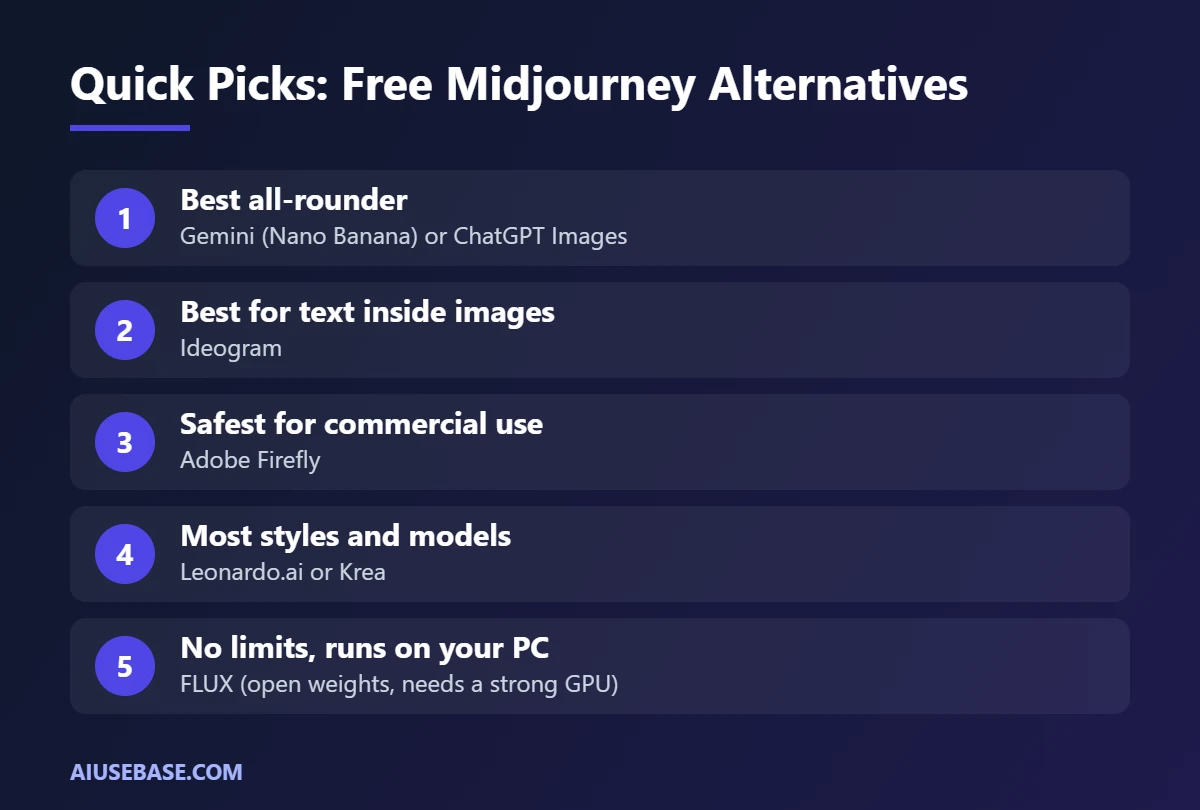
The best free Midjourney alternatives today are Gemini (with Google’s Nano Banana image model) and ChatGPT Images: both produce high-quality images, follow detailed prompts and let you edit images by simply describing the change. For images with readable text, use Ideogram; for commercially safer images, use Adobe Firefly. Midjourney itself has no free plan on its website, and its cheapest plan starts at $10 per month.
Last updated: September 27, 2026.
Is Midjourney Free?
No. Midjourney no longer offers a free trial on its website or Discord; there is only a limited trial in the niji·journey mobile app. Current plans:
| Midjourney plan | Price/month | Notes |
|---|---|---|
| Basic | $10 | About 3.3 hours of fast GPU time, no Relax mode |
| Standard | $30 | 15 fast hours, unlimited Relax images |
| Pro | $60 | 30 fast hours, Stealth Mode |
| Mega | $120 | 60 fast hours |
Annual billing saves 20%. Prices checked September 2026.
Free Midjourney Alternatives Compared
| Tool | Strengths | Best for |
|---|---|---|
| Gemini (Nano Banana) | Conversational editing, consistent characters | All-round images, editing existing photos |
| ChatGPT Images | Follows detailed prompts, good text in images | Illustrations, thumbnails, simple infographics |
| Microsoft Designer | Images plus ready-made layouts | Cards and quick social posts |
| Adobe Firefly | Trained on licensed content | Commercial use |
| Leonardo.ai | Many styles and models | Art, game assets, concept work |
| Ideogram | Accurate, readable text | Posters, draft logos, text-heavy images |
| Krea | Real-time generation, many models | Rapid idea exploration |
| FLUX (open weights) | Runs locally, no usage caps | Technical users with a strong GPU |
Most free plans limit images per day or month, and those limits can change at any time.
1. Gemini (Nano Banana)
Google’s image model in the Gemini app stands out for editing by conversation: change backgrounds or outfits, or combine several photos while keeping faces and characters consistent. It is free within the Gemini app’s limits. See how to use Gemini.
2. ChatGPT Images
ChatGPT creates images right in the chat, understands long, detailed prompts and handles text in images well. The free plan has a daily image limit. It is great for thumbnails, blog illustrations and stickers. See how to use ChatGPT.
3. Microsoft Designer
Designer generates images and suggests complete layouts, with 15 free credits per month. See the full comparison in Canva AI vs Microsoft Designer.
4. Adobe Firefly
Adobe trained Firefly on licensed content such as Adobe Stock, making it a more comfortable choice for commercial work. Free accounts include a limited number of generative credits.
5. Leonardo.ai
Leonardo offers many models and preset styles (art, anime, photorealism, game concepts) plus a canvas editor. Free accounts receive daily tokens.
6. Ideogram
If you need text in your image, such as posters, banners or draft logos, Ideogram is one of the most accurate tools for rendering words. Always proofread the result.
7. Krea
Krea generates images almost in real time as you type or sketch, and lets you switch between several models. The free plan has a daily allowance and needs no credit card.
8. FLUX (Run It Locally)
FLUX has open-weight versions you can run on your own computer through interfaces like ComfyUI. There is no usage cap, but you need a powerful GPU and some technical know-how. Check each version’s license before commercial use.
Prompts That Work in Any Tool
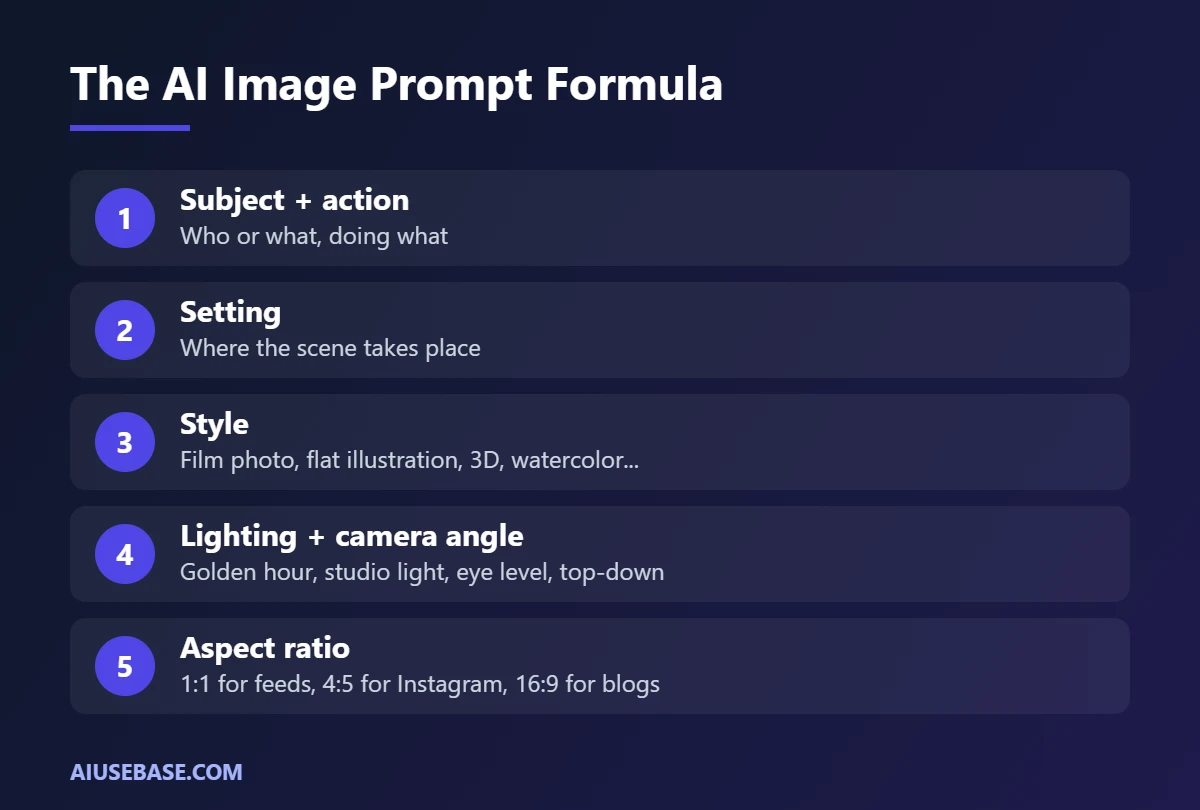
Formula: subject + action + setting + style + lighting + camera angle + aspect ratio.
A young woman reading a book by the window of a café in an old town, warm lanterns outside, film photography style, golden-hour light, eye-level shot, 4:5.
Product photo of a glass perfume bottle on white marble, scattered rose petals, soft studio lighting, clean background, premium advertising style, 1:1.
Flat illustration of office workers in a meeting with a friendly AI robot assistant, blue and orange palette, white background, minimalist style, 16:9.
Using AI Images Responsibly
- Do not generate real people, celebrities or copyrighted characters for ads.
- Read each tool’s commercial-use terms, especially on free plans.
- Do not replace real product photos with AI images when selling, so customers are not misled.
See how AI images fit into a complete workflow in our AI for marketing guide.
Frequently Asked Questions
What is the best free Midjourney alternative?
For most people, Gemini and ChatGPT Images are the best free options: easy to use, high quality and free within daily limits. Ideogram is best for text in images, and Adobe Firefly is the safest choice for commercial use.
Is there a free version of Midjourney?
Not on the website or Discord. There is only a limited trial in the niji·journey app. The cheapest plan is Basic at $10 per month.
Can I use free AI images commercially?
It depends on each tool’s terms and plan. Many allow commercial use, but some restrict free accounts. Read the terms before using images in ads or print.
Is there an unlimited free AI image generator?
Only if you run an open model such as FLUX on your own computer. Online services all have daily or monthly free limits.
Is Midjourney still worth paying for?
If you love its distinctive artistic look and generate images daily, yes. For occasional use, the free alternatives above cover most needs.
Final Thoughts
You do not need to pay for Midjourney to get great AI images. Start with Gemini or ChatGPT for everyday needs, use Ideogram for text, Adobe Firefly for commercial projects, and consider Midjourney only if you want its signature artistic style. For more tools by category, see the best AI tools.
Looking for more step-by-step tutorials? Browse our AI Guides.
Related guides: you may also like our guides to best AI video generators.