AI for teachers is most useful for the work that eats your evenings: drafting lesson plans, building quizzes, writing feedback and report comments, and adapting materials for different reading levels. A general assistant such as ChatGPT, Gemini or Claude can do all of this in minutes, and several are now free for educators, but you stay in charge of accuracy, fairness and anything that touches student data. This guide is the hub for our AI-for-teachers tutorials, with a detailed guide linked for each task.
Last updated: October 1, 2026. AI tools for schools change quickly, so we review this guide every 3 to 6 months.
What Can AI Do for Teachers?
Think of AI as a fast teaching assistant that drafts, while you decide what reaches students.
| Task | What AI does well | Suggested tools |
|---|---|---|
| Lesson planning | Objectives, activities, timing, differentiation ideas | ChatGPT, Gemini in Classroom, Claude |
| Quizzes and tests | Multiple-choice, short-answer and exit-ticket questions with answer keys | Gemini in Classroom, Wayground, Kahoot!, ChatGPT |
| Feedback | First-draft comments on essays against your rubric | ChatGPT, Claude, Gemini |
| Report comments | Personalized, balanced comments from your notes | ChatGPT, Claude |
| Differentiation | Rewriting texts at different reading levels, adding scaffolds | ChatGPT, Gemini, Diffit |
| Parent communication | Clear, polite emails and newsletters | ChatGPT, Gemini |
| Slides and handouts | Turning a lesson plan into slides or a worksheet | Gemini in Classroom, Copilot, Gamma, Canva |
New to these assistants? Start with how to use ChatGPT or how to use Gemini.
Free AI Tools Built for Teachers
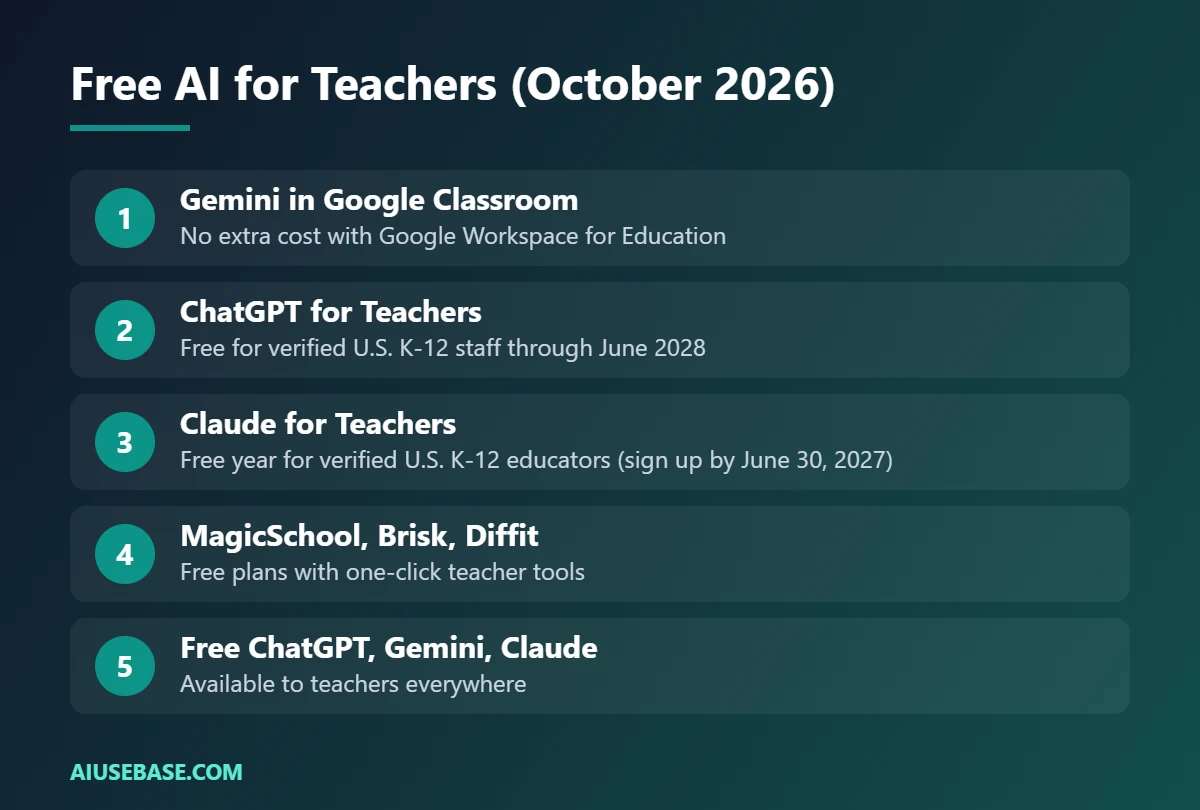
Several AI companies now offer free education plans. Eligibility differs, so check before you sign up:
- Gemini in Google Classroom: available at no extra cost to verified teachers on Google Workspace for Education accounts. It includes lesson-plan, quiz, rubric and feedback tools, and since June 2026 also infographics, comics and interactive activities.
- ChatGPT for Teachers: free for verified U.S. K-12 teachers and staff through June 2028, with OpenAI’s flagship model, file uploads, image generation and deep research.
- Claude for Teachers: a free year of premium Claude for verified U.S. K-12 educators who sign up by June 30, 2027, with teaching skills and connections to tools like MagicSchool, Brisk and Canva Education.
- Teacher-specific apps such as MagicSchool, Brisk and Diffit offer free plans with ready-made tools for common tasks.
Outside the U.S.? The free plans of ChatGPT, Gemini and Claude still handle everything in this guide, and your school may already have Gemini through Google Workspace for Education.
A 5-Step Workflow for Using AI in Your Teaching
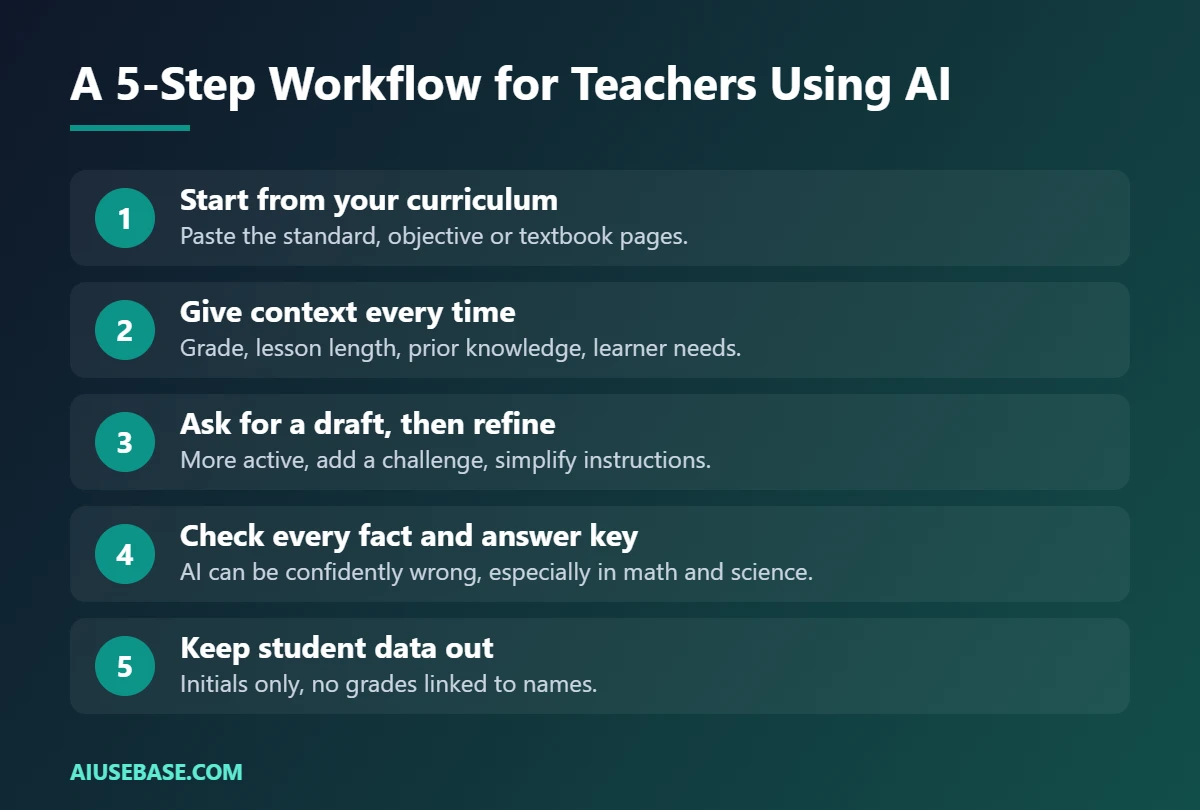
- Start from your curriculum, not the AI. Paste the standard, learning objective or textbook pages you are teaching. AI is far more accurate when it works from your material.
- Give context every time. Grade level, class size, lesson length, what students already know and any learners who need support.
- Ask for a draft, then refine. “Make the warm-up more active”, “add a challenge task”, “simplify the instructions for English learners”.
- Check every fact and answer key. AI can produce wrong answers with total confidence, especially in math and science.
- Keep student data out. Use first names or initials only, never upload grades with full names, and follow your school’s AI policy.
Plan Lessons with AI
Lesson planning is where most teachers start, and it is where AI saves the most time. For step-by-step instructions and 7 prompts, see how to use ChatGPT to write lesson plans.
Example prompt:
You are an experienced Grade 7 science teacher. Write a 45-minute lesson plan on the water cycle for 30 students. Include a learning objective, a 5-minute hook, a hands-on activity, a check for understanding and a 3-question exit ticket. Add one adaptation for students who read below grade level.
Create Quizzes and Assessments
AI can turn a reading, a slide deck or your notes into a quiz with an answer key in seconds, and several tools export straight to Google Forms or a game-based quiz. Compare the options in the best free AI quiz generators for teachers.
Write Feedback and Report Comments
Paste your rubric and a student’s work (without the name) and ask for two strengths and one next step. For report cards, give AI your short notes about each student and let it write balanced comments in your voice. You will find dozens of ready-to-use prompts in ChatGPT prompts for teachers.
Differentiate Materials
Ask AI to rewrite the same text at three reading levels, add a glossary of key terms, or turn instructions into a numbered checklist. Always read the simplified version yourself to make sure the key ideas survived.
Which AI Assistant Should Teachers Use?
If your school runs on Google Workspace, Gemini in Classroom is the most convenient because it lives where your assignments already are. ChatGPT is the most versatile all-rounder. Read the full comparison in ChatGPT vs Gemini for teachers.
Rules for Using AI Safely in School
- Follow your school or district AI policy before using any tool with students.
- Never paste personal data: full names, ID numbers, grades linked to names, health or family information.
- Check age rules: many AI tools require users to be 18 or older, or 13+ with parental consent, so do not ask students to sign up without approval.
- Be transparent: tell students and parents when and how you use AI, and set clear rules for students’ own use.
- Keep your professional judgment: AI drafts, you decide, especially for grades and feedback.
Guides in This AI for Teachers Series
- How to Use ChatGPT to Write Lesson Plans
- Best Free AI Quiz Generators for Teachers
- ChatGPT vs Gemini for Teachers
- 50 ChatGPT Prompts for Teachers
- How to Convert Word to PowerPoint with AI
- Best AI PDF Readers
Frequently Asked Questions
Will AI replace teachers?
No. AI can draft plans, questions and comments, but it cannot build relationships, read a classroom, manage behavior or make professional judgments about learning. Teachers who use AI well get time back for the parts of teaching only people can do.
Is there free AI for teachers?
Yes. Gemini in Google Classroom is free for teachers with Google Workspace for Education accounts. In the U.S., verified K-12 teachers can also get ChatGPT for Teachers and Claude for Teachers at no cost. The standard free plans of ChatGPT, Gemini and Claude work everywhere.
Is it safe to use AI with student data?
Only within your school’s policy and with tools your school has approved. As a rule, remove names and identifying details before pasting student work, and never upload grades or sensitive records to a personal AI account.
What is the best AI tool for teachers?
There is no single best tool. Gemini in Classroom is ideal for Google schools, ChatGPT is the most flexible all-rounder, and teacher apps like MagicSchool package common tasks into one-click tools. Start with one assistant and learn to prompt it well.
Can students tell if a teacher used AI?
Not if you edit the output. Add your own examples, references to class events and your usual tone. Being open with students about how you use AI also models responsible use.
Final Thoughts
AI for teachers is not about handing over your job; it is about getting the first draft done in minutes so you can spend your energy on students. Start with one task, such as lesson plans or quiz questions, follow the safety rules above, and expand from there with the guides in this series.
Looking for more step-by-step tutorials? Browse our AI Guides.
Related guides: you may also like our guides to free English shadowing tool and best AI detectors.