Canva AI is the better choice for most people because it pairs a huge template library with detailed editing and covers everything from social posts to slides and video. Microsoft Designer suits people who want quick, simple images and posts from a prompt, especially if they already pay for Microsoft 365. Both are free to start: Canva Free includes up to 200 standard AI uses per month, while Designer gives 15 AI credits per month.
Last updated: September 27, 2026.
Canva AI vs Microsoft Designer: Comparison Table
| Criteria | Canva AI | Microsoft Designer |
|---|---|---|
| Free AI allowance | 200 standard or 20 premium AI uses/month | 15 credits/month |
| Paid option | Canva Pro, about $144/year | Included with Microsoft 365 Personal/Family, Copilot Pro |
| Template library | Huge | Smaller |
| Text-to-image | Yes (Dream Lab) | Yes |
| Background removal | Yes, Pro only | Yes |
| Design from a prompt | Yes (Canva AI, Magic Design) | Yes |
| Slides, video, websites | Yes | Mostly images and posts |
| Team features | Strong (Teams, Brand Kit) | Basic |
| Integrations | Many apps and social platforms | Word, PowerPoint, OneDrive |
Limits and prices checked September 2026 and may vary by region.
What Canva AI Offers
Canva groups its AI features under Canva AI (formerly Magic Studio). The most useful ones:
- Canva AI assistant: describe a design in plain words and get an editable draft.
- Magic Design: generate presentations and posts from a description or outline.
- Dream Lab: generate illustrations from a prompt.
- Magic Write: write captions, headlines and copy inside your design.
- Background Remover, Magic Eraser, Magic Edit: remove backgrounds, erase objects and edit details (mostly Pro).
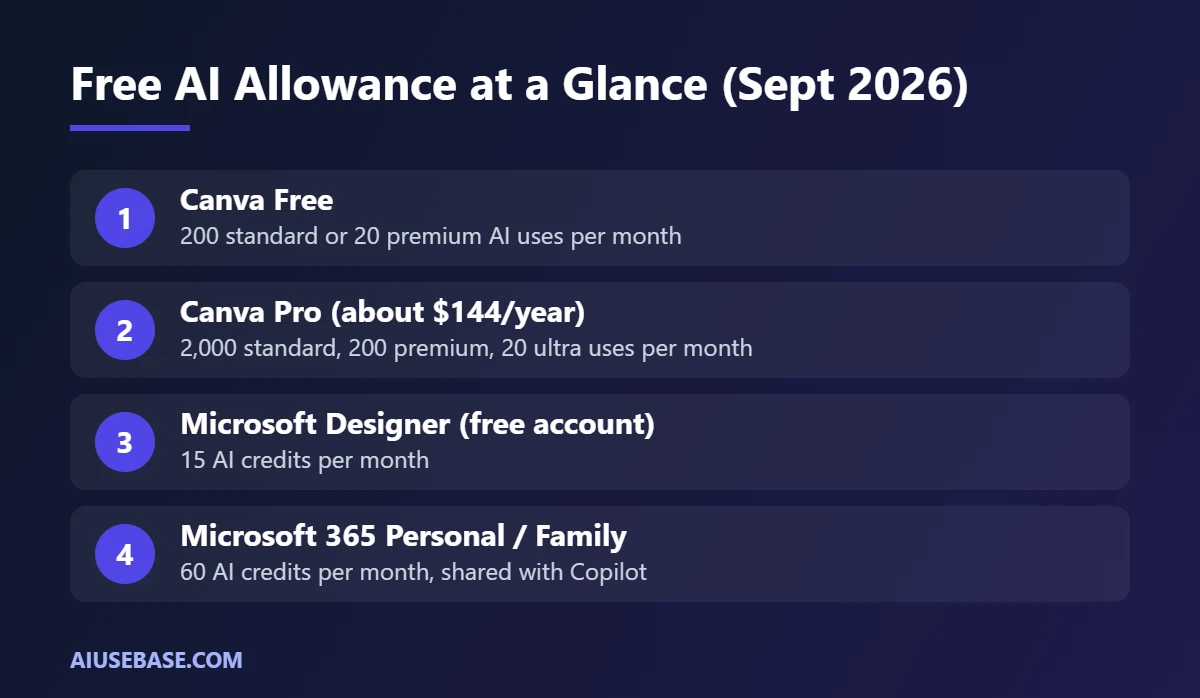
Canva splits AI usage into standard, premium and ultra tiers. Free accounts get 200 standard or 20 premium uses per month; Pro raises that to 2,000 standard, 200 premium and 20 ultra uses. Failed generations still count against your allowance.
What Microsoft Designer Offers
Microsoft Designer is Microsoft’s AI design app, available on the web, inside the Copilot app, and connected to Word and PowerPoint.
- Images and designs from a prompt: type a description and get several layout options.
- AI photo editing: remove or blur backgrounds, erase objects.
- Templates by purpose: cards, social posts, invitations, stickers.
- OneDrive sync so you can reuse designs in PowerPoint and Word.
Free Microsoft accounts get 15 AI credits per month. Microsoft 365 Personal and Family subscribers get 60 credits per month, shared with Copilot in the Office apps.
Try It Yourself: Same Prompt, Two Tools
The fairest comparison is to run an identical prompt in both:
A square Instagram post announcing the opening of a café called “Grove”, minimalist style in brown and cream, with the text “30% off opening week” and the address 12 Main Street.
What to look for when you compare results:
- Text accuracy: check spelling and fonts. Canva usually wins because you edit text directly in the template.
- Editability: in Canva every element is separate and adjustable; Designer’s layouts are simpler.
- Speed: Designer gives several quick options; Canva offers more templates to keep exploring.
Should You Choose Canva AI or Microsoft Designer?
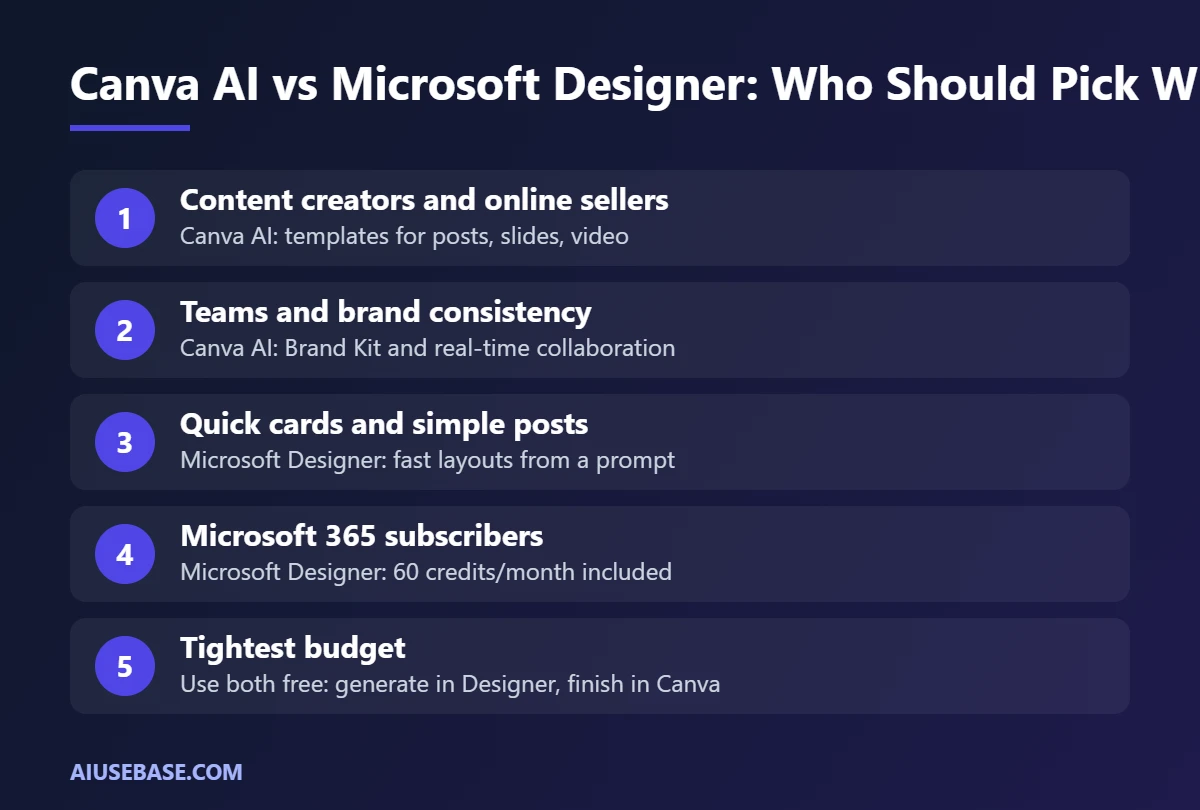
- Choose Canva AI if you create content, sell online, need many design formats (posts, slides, video, posters), work in a team or need a brand kit.
- Choose Microsoft Designer if you only occasionally need cards, illustrations or simple posts, or you already pay for Microsoft 365.
- Use both for free to save money: generate an image in Designer, then finish it in Canva with text and layout.
Need more artistic images? See our list of free Midjourney alternatives. Just need clean product cut-outs? See the best free AI background removers.
Is Microsoft Designer a Good Canva Alternative?
For quick, single designs, yes. Microsoft Designer is a solid free alternative to Canva when you mainly need a social post, invitation, banner or AI image and you already use a Microsoft account. It is simple, fast and the AI does most of the layout work.
It is a weaker replacement if you depend on Canva for a full design workflow. Canva still has a much larger template library, brand kits, team collaboration, video editing, presentations, print ordering and a big library of elements. Designer is built for creating one design at a time.
Choose Microsoft Designer instead of Canva if you:
- Want free AI images and simple social graphics without learning a design tool
- Already pay for Microsoft 365 or Copilot and want images inside Word or PowerPoint
- Make a few designs a month rather than a steady stream of branded content
Stay with Canva if you:
- Need brand kits, shared folders or approval workflows for a team
- Create videos, presentations, documents and print products in one place
- Rely on a large template library to work quickly
If your main goal is AI image quality rather than layouts, compare dedicated tools in our guide to the best AI image generators and our list of free Midjourney alternatives.
Frequently Asked Questions
Is Canva AI free?
It has a free allowance. Canva Free accounts get 200 standard or 20 premium AI uses per month. Some tools, such as Background Remover, require Canva Pro.
Is Microsoft Designer free?
Yes. Free Microsoft accounts get 15 AI credits per month, and Microsoft 365 Personal or Family subscribers get 60 credits per month.
Which one makes better AI images?
Image quality is increasingly similar. The bigger differences are editing and templates, where Canva leads. Run the same prompt in both and choose the style you prefer.
Which is better for small businesses?
Canva AI, because it offers post templates, banners, short video and a Brand Kit to keep colors and fonts consistent. See the full workflow in our AI for marketing guide.
Can I use designs from these tools commercially?
Generally yes for your own designs, but each platform has its own content license terms, especially for templates and stock elements. Check them before using designs in paid ads or print.
Is Microsoft Designer a good Canva alternative?
It is a good free alternative for quick images and social posts created from a prompt, especially for Microsoft 365 users. For templates, detailed editing, slides, video and brand kits, Canva is still the more complete tool.
Microsoft Designer vs Canva: which is easier for beginners?
Microsoft Designer is simpler: type a prompt, pick a design and download it. Canva has more options, so it takes a little longer to learn, but its templates make it easy to get good results.
Final Thoughts
In the Canva AI vs Microsoft Designer matchup, Canva is the all-round design platform, while Designer is a quick, free generator for Microsoft users. Start with the free plans of both, and upgrade to Canva Pro only if you design often or need background removal and brand kits.
Looking for more step-by-step tutorials? Browse our AI Guides.
2 thoughts on “Canva AI vs Microsoft Designer: Which AI Design Tool Is Better in 2026?”