
The best AI tools for Excel can write formulas from plain English, clean messy data, build pivot tables and explain what a spreadsheet is telling you. If you already pay for Microsoft 365, Copilot in Excel is the obvious starting point; if you live in Google Sheets, Gemini is built in on eligible plans.
Below we compare eight options, from built-in assistants to small formula helpers, with free plans and starting prices (prices last checked October 2026).
Quick Picks: Best AI Tools for Excel and Sheets
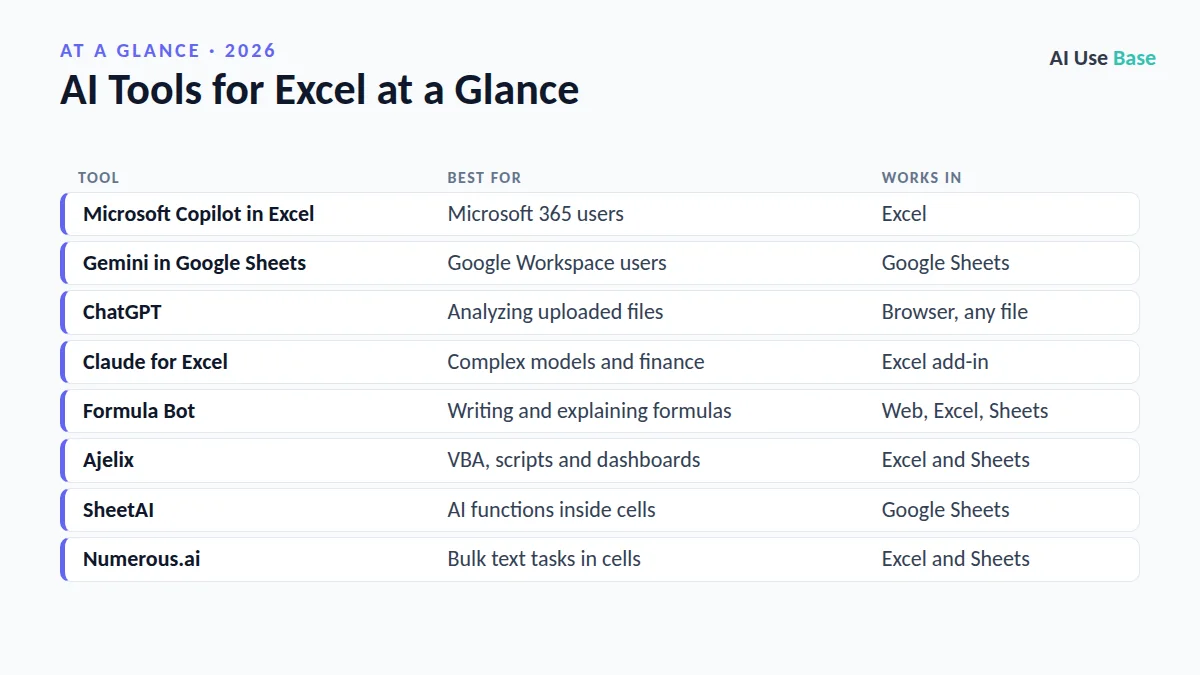
| Tool | Best for | Works in |
|---|---|---|
| Microsoft Copilot in Excel | Microsoft 365 users | Excel |
| Gemini in Google Sheets | Google Workspace users | Google Sheets |
| ChatGPT | Analyzing uploaded files | Browser, any file |
| Claude for Excel | Complex models and finance | Excel add-in |
| Formula Bot | Writing and explaining formulas | Web, Excel, Sheets |
| Ajelix | VBA, scripts and dashboards | Excel and Sheets |
| SheetAI | AI functions inside cells | Google Sheets |
| Numerous.ai | Bulk text tasks in cells | Excel and Sheets |
How We Chose These AI Tools for Excel
We looked at what most spreadsheet users actually need: correct formulas, quick data cleanup, clear explanations and charts. We checked official product and pricing pages, favored tools that work inside Excel or Sheets rather than in a separate app, and noted where free plans are useful enough to try. This is an editorial ranking, not a lab benchmark.
Built-In AI Tools for Excel and Sheets
1. Microsoft Copilot in Excel
- Best for: anyone who already uses Excel with Microsoft 365
- Free plan: no; included with Microsoft 365 Personal and Family with monthly AI limits
- Paid from: $9.99/month (Microsoft 365 Personal); Premium at $19.99/month has the highest limits
- Standout: works on your open workbook to suggest formulas, highlight trends and create charts
Copilot needs the file saved to OneDrive with AutoSave on. Try prompts like “Add a column that calculates profit margin” or “Show sales by region as a chart.” See Microsoft Copilot for current plans. Deciding between Microsoft’s assistant and OpenAI’s? Read ChatGPT vs Copilot.
2. Gemini in Google Sheets
- Best for: teams and individuals working in Google Sheets
- Free plan: no full access; available with Google AI Pro and eligible Workspace plans
- Paid from: $19.99/month (Google AI Pro) for personal accounts
- Standout: can build a full spreadsheet from one prompt and edit existing models from the side panel
Google expanded Gemini in Sheets in 2026 with end-to-end spreadsheet creation, pivot tables and complex formulas, starting in English in the US. Details are on the Google Workspace Updates blog.
General Assistants That Work as AI Tools for Excel
3. ChatGPT
- Best for: analyzing a CSV or Excel file and getting charts and insights
- Free plan: yes, with limited uploads and analysis
- Paid from: ChatGPT Plus at $20/month
- Standout: runs real calculations on uploaded files and can export a cleaned spreadsheet
Upload a file and ask: “Find duplicate rows, fix date formats and give me a summary by month.” ChatGPT does not edit your open workbook directly, so you download the result. Plans are listed on ChatGPT pricing.
4. Claude for Excel
- Best for: large or complex workbooks such as financial models
- Free plan: no; the add-in needs a paid Claude plan
- Paid from: Claude Pro at $20/month ($17/month billed yearly)
- Standout: reads and edits multi-sheet workbooks and explains changes cell by cell
Claude for Excel runs as an add-in from the Microsoft Marketplace and is included with Pro and Max plans. Check Claude pricing for current details, or start with our guide on how to use Claude.
Specialist AI Tools for Excel
5. Formula Bot
- Best for: turning plain English into formulas and explaining existing ones
- Free plan: yes, a small number of generations each month
- Paid from: about $7/month
- Standout: also writes SQL, regex and Apps Script
6. Ajelix
- Best for: VBA macros, Apps Script and simple dashboards
- Free plan: yes, with daily limits
- Paid from: about $15/month
- Standout: a bundle of small tools for formulas, scripts and translations
7. SheetAI
- Best for: using AI as a function inside Google Sheets cells
- Free plan: yes, limited
- Paid from: about $8/month
- Standout: option to use your own OpenAI API key
8. Numerous.ai
- Best for: applying AI to hundreds of rows at once, such as tagging or rewriting product descriptions
- Free plan: free trial
- Paid from: about $8/month
- Standout: drag an AI formula down a column like any other formula
Prices for smaller AI tools for Excel change often, so confirm on each vendor’s site before you buy.
How to Choose the Right AI Tool for Excel
- Start with what you already pay for. Microsoft 365 includes Copilot; Google AI Pro and many Workspace plans include Gemini.
- Decide where the work happens. Need edits inside the workbook? Choose Copilot, Gemini or Claude for Excel. Fine with uploading a file? ChatGPT is flexible.
- Match the task. Formulas only: Formula Bot. Hundreds of rows of text: Numerous.ai or SheetAI.
- Check data rules. Company data may only be allowed in tools approved by your IT team.
- Always verify. Test AI formulas on a few rows you can check by hand before trusting them on the whole sheet.
For a wider look at work tools, see our AI productivity tools list and the full best AI tools guide.
Frequently Asked Questions
What is the best free AI tool for Excel?
ChatGPT’s free plan is the most flexible free option for analyzing a file, and Formula Bot’s free tier is handy for writing a few formulas. Copilot in Excel is not free but is included with Microsoft 365 Personal and Family.
Is Copilot in Excel included with Microsoft 365?
Yes. Microsoft 365 Personal, Family and Premium include Copilot in Excel with monthly AI limits. Premium has the highest limits and early access to new features.
Can ChatGPT edit my Excel file?
ChatGPT can analyze an uploaded file and give you a new, edited file to download. It does not work inside your open workbook the way Copilot or the Claude add-in do.
Are AI tools for Excel accurate?
AI tools for Excel are good at formulas and summaries but can misread data or make calculation mistakes. Check results on a sample of rows and review any formula before applying it to the whole sheet.
Which AI works best with Google Sheets?
Gemini is built into Google Sheets on eligible plans. SheetAI and Numerous.ai add AI functions to cells, and ChatGPT can analyze exported files.
Final Thoughts
For most people, the best AI tools for Excel are the ones already inside their spreadsheet app: Copilot for Microsoft 365 users and Gemini for Google Sheets users. ChatGPT and Claude are strong when you need deeper analysis, and small tools like Formula Bot are handy for one job done well.
Whichever you pick, treat AI output like a colleague’s draft: useful, fast, and always worth a second look before you share the numbers.